
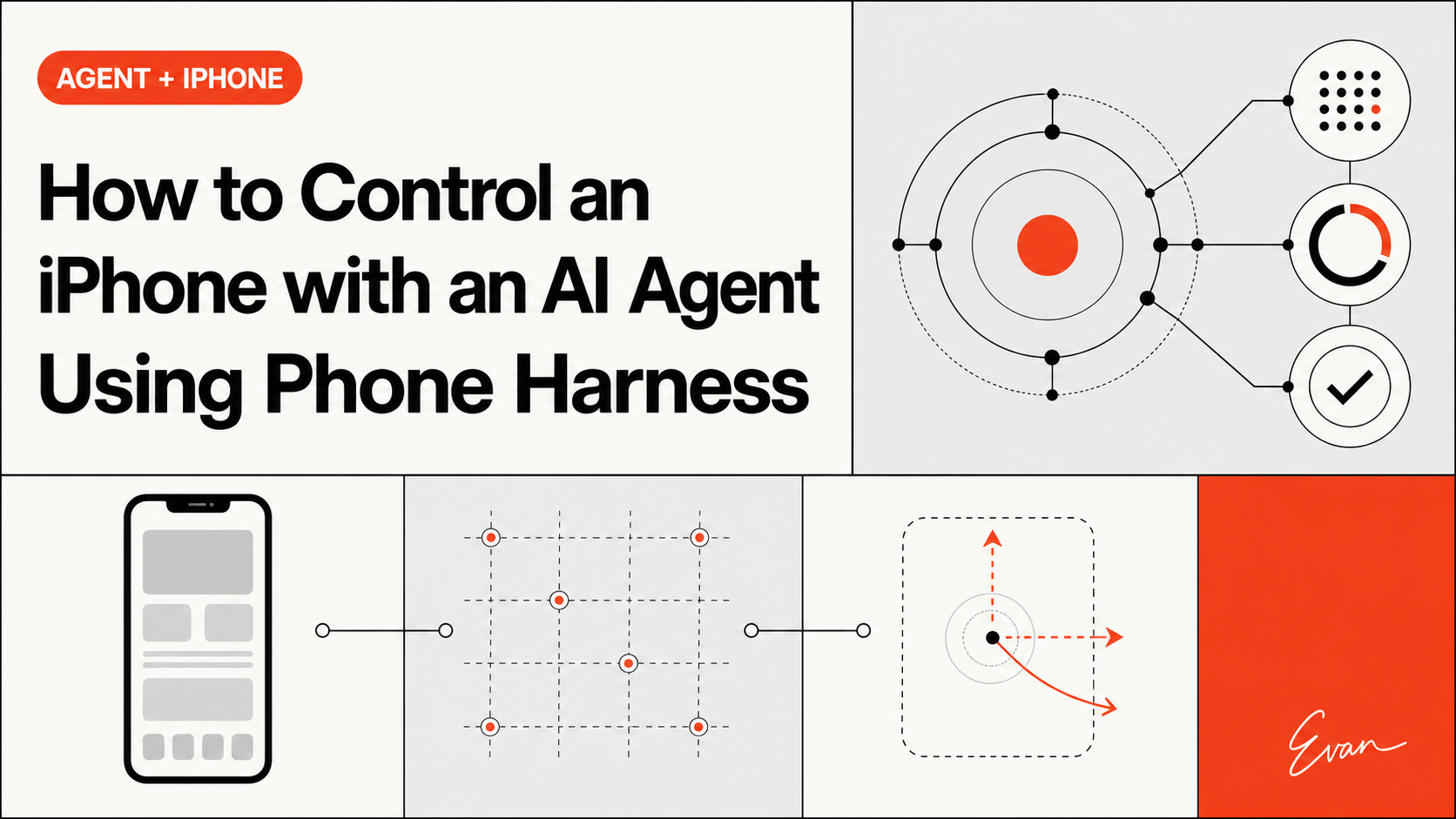
As of August 10, 2026, Phone Harness is a small, inspectable way to try AI agent phone control on a Mac with a real iPhone. Its approach is deliberately concrete: macOS iPhone Mirroring supplies the visible phone window, Apple Vision OCR turns screen text into coordinates, and HID-level events provide taps, typing, and gestures. The trade-off is equally concrete: this is a macOS+iPhone workflow with pairing, Accessibility, Screen Recording, focus, and iOS interaction limits. It is not a universal Android or mobile automation layer.
Quick verdict
Phone Harness is worth trying if you want an agent to operate a phone surface that you can watch and verify, and you already have a Mac and iPhone that can use iPhone Mirroring. For the narrower question of AI agent phone control, the project’s README describes a thin, editable harness rather than a managed automation platform: the agent can inspect the mirrored window, choose coordinates, send input, and check the resulting screen.
That makes the project useful for a narrow reader job: “Can I connect my coding agent to my iPhone and safely test a visible workflow?” The answer is yes, subject to the maintainer-reported setup requirements and your Mac’s permissions. The answer is not “install one package and automate every phone.” Phone Harness does not claim Android support, and its documented transport is the macOS iPhone Mirroring window.
The repository is MIT-licensed according to GitHub’s repository metadata captured on August 10, 2026. The capability descriptions below are maintainer-reported from the README at commit 720eaeb7b888875bedea742e253d1c61f19ee5a6 (the GitHub README blob has SHA f0c7aac1a8c81a63d4c42dee8d2890e229e3cfff); they are not an independent benchmark of reliability or security.
What Phone Harness actually controls
The important design choice is that Phone Harness controls the Mac window that mirrors the iPhone. It does not depend on an iOS accessibility tree or a browser DOM. The README describes the window as the transport and the captured pixels as the ground truth.
In practice, the workflow has three layers:
- See: capture the mirroring window and run Vision-framework OCR, producing visible strings and tap-ready screen-point boxes.
- Act: send mouse and keyboard input through HID-level CGEvents for taps, long presses, drags, flicks, scrolling, and typing.
- Verify: capture the screen again and inspect the new state instead of assuming that an input event succeeded.
That model is valuable because it makes the boundary visible. The agent is not receiving semantic objects such as “the Weather button” from the phone. It sees text recognized from pixels and must use coordinates or helper behavior. The README calls OCR the “poor man’s DOM,” which is a useful maintainer-reported shorthand, not a guarantee that every icon or screen will be understood.
The repository also keeps an editable agent-workspace/agent_helpers.py area. The intended shape is that an agent can add missing task-specific helpers during execution while the protected core handles window discovery, capture, OCR, input, and the command runner. That is a different fit from a hosted device farm: the workflow remains close to the local machine and its permissions.
Setup and permissions
The safest setup starts by reading the repository’s install.md and SKILL.md, not by improvising a command sequence from a search snippet. The README’s setup prompt says to clone the project into ~/.phone-harness, install it as a phone-harness command, and register its skill body so an agent can reach for the workflow automatically.
Two steps remain human-controlled. First, pair iPhone Mirroring with the physical phone. Second, grant the terminal Accessibility and Screen Recording permissions in macOS System Settings. The README says Accessibility is needed for taps and keystrokes, while Screen Recording is needed to see the phone. It also notes that Screen Recording may require a terminal restart before the permission takes effect.
This matters for an agent workflow because a green install command is not the same as a working transport. Run the project’s doctor check after pairing and permissions are in place. If the doctor passes but capture or taps silently do nothing, treat the macOS permission prompt as unresolved rather than asking the agent to retry blindly.
The setup boundary also changes the security conversation. An agent that can type, tap, and read a mirrored phone window can interact with real accounts and messages. Start with a harmless, reversible test. Keep the mirroring window visible, avoid sensitive apps, and stop when the device is locked, the window is not frontmost, or the action is not clear from OCR.
The OCR-to-HID loop
The core interaction is easier to understand as a closed loop than as a list of commands:

- The agent requests a fresh screen capture of the mirroring window.
- OCR returns visible text and positions. The agent can use a text helper or inspect the coordinate boxes.
- The agent sends a tap, key event, scroll, drag, or flick through the harness.
- The agent waits for a stable state and captures again.
- The next decision uses the new pixels, not the old assumption.
The README highlights several lessons from this design. AppleScript click at is not reliable for this surface because the window behaves like a video stream without an accessibility tree. Unicode key payloads can fail because mirroring forwards raw HID keycodes, so typing needs the project’s keycode handling. A slow touch drag may barely move an iOS list; wheel scrolling or a fast flick is the better fit for the documented cases. Input can also be swallowed when the mirroring window is not frontmost.
These are not benchmark results. They are maintainer-reported implementation notes that help explain why the loop insists on fresh capture and active focus. For a reader, the practical implication is simple: every action needs an observable postcondition.
A safe first workflow
For a first run, choose a task that has no account, payment, deletion, or message-sending risk. A harmless example is opening a built-in app and reading a visible heading. The project’s README shows a small script that opens Notes, taps “New Note,” types a test string, and prints OCR results. Treat that example as a demonstration of the interaction model, not as permission to run it against private data.
Before running a workflow, check these conditions:
- The phone is paired and unlocked.
- iPhone Mirroring is open and frontmost.
- Accessibility and Screen Recording permissions are active for the terminal.
- The command is limited to one reversible action.
- The agent will ask before opening an app or changing state beyond the test.
Keep the first run deliberately boring. A visible label, a single tap, and a fresh OCR check are enough to prove that the transport works. Do not start with a login flow, a payment screen, a long scroll, or a video surface. The point of this first pass is to validate pairing, permissions, focus, and post-action observation one at a time. Once those conditions are stable, you can decide whether a more involved workflow is worth the additional risk and debugging cost.
The phrase “AI agents for Android” appears in current search demand, but it must not be used to imply that Phone Harness supports Android. The accepted supporting keyword is useful only as a boundary question: readers searching the broader category need to know that this project’s documented transport is the Mac+iPhone path. An Android workflow requires a different project and a separate evidence review.
After each action, inspect the returned OCR or capture. If the expected state is absent, do not chain the next action. Re-focus the window or stop and diagnose the permission, lock, or screen-state problem. That discipline is more important than making the demo look autonomous.
Limits and failure modes

Phone Harness is intentionally narrow. The README lists one phone and one session, which means it is not a multi-device orchestration service. Unlocking the physical phone pauses mirroring, so a workflow that requires the user to pick up the phone can interrupt the transport.
There is no multitouch support in the documented limits. That rules out gestures such as pinch-to-zoom unless the application exposes another compatible control. DRM video can render black, so a successful capture does not mean every media surface is visible. OCR recognizes text, not meaning; unlabeled icons still need a screenshot and a vision-capable model to interpret them.
The focus requirement is another hard boundary. A script can be correct and still fail if the mirroring window is not frontmost. Similarly, a doctor result is a diagnostic signal, not proof that an arbitrary app’s interaction will work. The safest interpretation is that Phone Harness exposes low-level primitives and a repeatable observation loop; the agent remains responsible for choosing safe actions and checking outcomes.
The project’s license also needs careful wording. GitHub reports MIT for the repository, so the repository code may be described as MIT-licensed. That does not automatically settle the license of macOS, iOS, Apple frameworks, downloaded content, model providers, or any third-party application the agent opens. Those are separate surfaces with separate terms.
Frequently asked questions
Is there an AI that can control your phone?
Yes, Phone Harness is one repository-backed example for controlling a real iPhone through a Mac. Its README describes an LLM-facing harness that reads the macOS iPhone Mirroring window with Vision OCR and sends HID-level input events. It requires a compatible Mac+iPhone setup, pairing, and terminal permissions, and it does not establish general Android support. Treat that answer as a qualified project fit, not a claim that an AI can safely control every phone or app. This is an editorial inference from the repository’s documented scope, not a universal safety conclusion.
Does Phone Harness use an iOS API?
The documented approach uses the mirrored window as the transport rather than an iOS accessibility tree. The repository describes screen capture, Vision OCR, and CGEvents. That makes the workflow inspectable, but it also creates the focus, coordinate, OCR, and visual-state limitations described above.
Can it automate an Android phone?
Not according to the repository evidence reviewed for this article. Phone Harness documents macOS iPhone Mirroring and a real-iPhone workflow. Do not convert the broad search phrase “AI agents for Android” into a support claim. Android automation is a separate project-selection and verification problem.
Is it safe to let an agent use it unattended?
The repository does not provide evidence for a universal unattended-safety guarantee. A phone-control agent can read and change visible app state, while the transport depends on local permissions and focus. Use a constrained, reversible workflow, keep the window visible, require confirmation for consequential actions, and verify every postcondition.
Verdict
Phone Harness is an interesting new project because it turns phone control into a visible, local feedback loop rather than hiding the device behind a remote automation service. Its strongest use case is experimentation by a Mac+iPhone user who wants to see what the agent sees, inspect the helpers, and keep the interaction boundary understandable.
Its limitations are part of the product decision: pairing and permissions are unavoidable, focus matters, OCR is not semantic understanding, multitouch and DRM surfaces are out of scope, and Android support is not established. If those constraints match your test, clone the repository, read its install and skill instructions, run the doctor, and start with one harmless action. If you need cross-platform mobile coverage or unattended device fleets, this is the wrong canonical owner for that job.
Explore this topic
Related posts
How to Install DeepSeek Harness: A Developer-Preview Guide to the Plugin-First Coding Agent
Learn how to install DeepSeek Harness from npm or source, understand its plugin-first design, and decide whether a fast-moving developer preview belongs in your coding workflow.

Symphony Context Engineering for Agents
Symphony context engineering helps autonomous agents use architecture, dependencies and prior decisions before implementation.

OpenAI Symphony Large Codebase Agents
Symphony large codebase agents need repository understanding, not just isolated autonomous implementation runs.

AI Agent Evaluation Framework for Production
Build a production AI agent evaluation framework with scenarios, traces, safety checks, regression controls and decision-ready metrics.

Open Source AI Agent Projects 2026? 8 Rising Repositories and One License Trap
Eight fast-rising AI agent GitHub projects, mapped by stack layer, license, maturity, workflow fit, and claims teams should verify.

Share Context Between Pi and Claude Code
Share context between Pi and Claude Code with AGENTS.md, a Claude import, tool-specific Skills, and revision-bound repo facts.
Latest posts
How to Install DeepSeek Harness: A Developer-Preview Guide to the Plugin-First Coding Agent
Learn how to install DeepSeek Harness from npm or source, understand its plugin-first design, and decide whether a fast-moving developer preview belongs in your coding workflow.

Symphony Knowledge Graph for Agent Memory
Symphony knowledge graph workflows can give long-running coding agents durable repository memory and system context.
What Is Cowart? A Codex Plugin for Image Editing
Cowart is a third-party Codex plugin that uses a local infinite canvas for visual annotation and image-editing workflows.

Trae Context Engineering for Agents
Trae context engineering gives AI coding agents project rules, architecture context, and repository evidence before complex edits.

Trae Knowledge Graph for Developers
Trae knowledge-graph workflows add repository intelligence beyond IDE chat context and code indexing.

Trae Large Codebase Context: What an IDE Agent Can Actually See
Trae large-codebase work depends on code indexing, workspace context, and structured repository knowledge—not a single oversized prompt.