
Choose Cowart when the revision must be anchored to a visible place on an asset and reviewed as a handoff; choose ChatGPT when a short conversational instruction is enough to explore or make a bounded change. They are not substitutes in every workflow. Cowart is a third-party Codex plugin built around an annotation canvas, while ChatGPT provides image editing inside a conversation and its own editor. The practical difference is how a team communicates edit intent, checks scope, and keeps an approval trail.
Quick Choice by Editing Task
Use the smallest workflow that makes the requested change unambiguous. For a quick color, mood, or broad composition experiment, ChatGPT is usually the faster starting point: upload or select an image, describe the adjustment, then inspect the result. OpenAI documents both direct text instructions and a selection tool in its image editor. The same documentation cautions that highlights are not always precise and that an edit can extend beyond the selected region. Treat a selection as guidance, not a hard mask.
Cowart is better suited to a review problem with spatial detail. Its official README describes a Codex-native, tldraw-powered canvas that can export an image with arrows and notes, send that annotation screenshot to Codex, and place a clean revision beside the original. That makes the visual instruction itself a useful artifact to review. Cowart is a third-party plugin maintained in the public zhongerxin/Cowart repository, not an OpenAI product.
If that distinction is new, start with What Is Cowart? before comparing the workflows.
| If the task is mainly about… | Start with | Why | Review before accepting |
|---|---|---|---|
| Trying a broad visual direction | ChatGPT | A concise conversational instruction has low setup cost. | Whether the global style change preserved required content. |
| Changing one component in a crowded UI screenshot | Cowart | Arrow-and-region context makes the intended surface explicit. | Whether the edit stayed within the marked change surface. |
| Repeating a client-approved correction | Cowart, then ChatGPT or Codex | The annotated reference can travel with the request. | The saved annotation, source asset, and approved output version. |
Test Both Workflows on the Same Image Change
Use one neutral test asset and one narrow request, such as: “Move this badge 24 pixels right, keep the text, icon, crop, and background unchanged.” Do not compare results from different prompts or different source versions. The goal is not to crown a universal winner. It is to learn which workflow gives a reviewer enough evidence to approve this kind of change.
For setup, use the Cowart Codex tutorial; this article keeps the same test method on both sides.
Describe the change in ChatGPT
In ChatGPT, begin with the source image and state the target, the parts that must remain unchanged, and the acceptance check. When a region matters, use the editor selection as an additional cue. Then compare the output with the source.
This route is strong when the instruction is easy to describe and the cost of a small spillover is low. It is weaker when a reviewer cannot tell which visual reference drove an edit, or when a request contains several independent change points. OpenAI's own help documentation is clear that selection highlights can be imperfect, so approval should look beyond the marked region.
Mark the change visually in Cowart
Cowart's repository describes an annotation-led route: mark an image on the canvas, select it, submit the annotation screenshot, and let Codex create a clean revision beside the original. The original and annotations are kept in place according to the README. Keep marks short and non-conflicting.
For a fair test, give Cowart the same source and the same acceptance constraints as ChatGPT. The useful evidence is not merely whether the output looks good. It is whether another reviewer can reconstruct the requested change from the annotated source, see the output beside it, and reject changes that expanded past the agreed scope.
Compare Precision, Iteration, and Reviewability
The comparison has three separate dimensions. Combining them into one “better editor” verdict hides the trade-offs that matter in a product or client workflow.
Region-level control
ChatGPT offers a selection tool, but OpenAI says the highlight may not be precise and edits may reach beyond it. A reviewer should therefore check edges, neighboring text, and unselected objects. Cowart's region-level advantage is communicative rather than a guarantee about generated pixels: the annotation screenshot exposes what a person meant to point at. It does not make the model's edit deterministic.
Instruction ambiguity
Chat-based editing is compact when one sentence fully describes the desired result. Ambiguity grows when “this card,” “the logo area,” or “make it cleaner” could refer to several surfaces. A visible arrow, circle, and reference position can reduce that ambiguity. It still needs a written constraint for changes that the drawing cannot express, such as keeping legal copy unchanged or matching a specific component token.
Revision history and handoff
Neither tool removes the need for version discipline. Cowart's README says canvas pages and assets persist under the active project's canvas/ directory, so a team can decide to version that project material with the source asset. ChatGPT files may be saved in the user's Library, according to OpenAI's current Library documentation. Keep the original image, the exact request, the annotated or selected reference, the accepted output, and reviewer approval in the system your team actually governs. Do not assume that local canvas storage alone means no external model processing, or that a ChatGPT conversation is the right system of record for a client asset.
Where Chat-Based Editing Is Faster
ChatGPT is the efficient path for exploratory work: changing an overall mood, proposing several compositions, removing an obvious element, or testing a coherent direction from a well-described source. It works best when one person owns both the prompt and the acceptance decision.
Before accepting a result, state what must not change, save the source, and inspect likely drift areas.
Where Visual Annotation Is More Useful
Visual annotation is useful when the target is spatial: a component in a dense screen, a misaligned element, or a crop edge. Cowart can make the region and proposed direction visible before an edit runs.
Cowart does not replace visual design judgment, source licensing checks, or human approval. Use it to make a request inspectable, then apply the same acceptance criteria you would use for any AI-assisted output. For task patterns and poor-fit cases, see the planned Cowart use cases guide.
Privacy, File Handling, and Workflow Trade-Offs
Treat file handling as a product-specific question, not a marketing label. Cowart's README says its canvas data and page-local assets are stored in the active project directory. That describes local persistence for the plugin's canvas; it does not establish a blanket privacy or data-processing guarantee for every service involved after an annotation is sent to Codex. Verify the installed plugin version, the active Codex account or service terms, repository access, and any team policy before using sensitive assets.
For ChatGPT, OpenAI says uploaded and created files can be saved to Library, while Temporary Chat uploads are not saved there. Retention, data controls, workspace plan, and account settings may change the practical boundary. Check the current OpenAI documentation and your organization's controls before uploading customer images, unreleased product screens, or assets with personal data. If either route is unacceptable, use an approved internal image workflow instead.
Decision Table: Cowart, ChatGPT, or Both
The search phrase “Cowart vs ChatGPT image editing free” is not a reliable cost comparison: access, account terms, and availability need current verification before a team treats either route as free.
| Decision criterion | Cowart | ChatGPT | Both in sequence |
|---|---|---|---|
| Best first input | A visible, localized change request | A concise text instruction | An annotated source plus a short implementation prompt |
| Main strength | Shared visual intent and reviewable spatial context | Fast conversational exploration | Clear scope with quick generation or iteration |
| Main limit | Requires a plugin workflow and still needs output review | Selection and text can be interpreted beyond the intended area | More artifacts to name, retain, and review |
| Safe operating rule | Keep the source, annotation, and output together | State preserved elements and inspect the whole image | Lock an approved annotation before the final edit |
| Choose it when | Handoff precision matters more than setup time | One owner can quickly test a well-described idea | A team needs both visual scope and rapid alternatives |

FAQ
Can teams standardize annotation language across reviewers?
Yes. Define a small legend before a pilot: outline means “change here,” arrow means “move in this direction,” and a written note states what must remain unchanged.
How should repeated edit consistency be evaluated?
Use the same source, fixed constraints, and checklist for every run. Record any unrequested change to text, layout, or neighboring objects.
What records should be retained for client approval?
Keep the licensed source, request, annotated or selected reference, generated candidates, approved output, reviewer, and timestamp in the client-approved system of record. Retain only what the contract and policy require; neither a Cowart canvas nor a ChatGPT Library should be assumed to satisfy that requirement by default.
When should a human designer take over the task?
Escalate when a change alters a brand system, requires production compositing, affects regulated claims, or cannot be bounded. A designer should resolve conflicting annotations.
Can both workflows use the same source asset safely?
They can use the same approved source version, but “safely” depends on rights, sensitivity, account controls, and retention rules. Verify the source license and the current handling policy for each service, create a redacted pilot if needed, and keep an untouched original outside the experiment.
Conclusion
Cowart vs ChatGPT is a choice about communication and review, not a claim that either tool always creates the better image. Start with ChatGPT when a short prompt can express the whole change. Start with Cowart when someone must point to a precise visual surface and make that intent reviewable. Use both when an approved annotation should constrain a fast conversational edit. In every case, preserve the source, define protected elements, and make a human responsible for acceptance. For the wider Codex context, see the Graphify hub.
Explore this topic
Related posts
What Is Cowart? A Codex Plugin for Image Editing
Cowart is a third-party Codex plugin that uses a local infinite canvas for visual annotation and image-editing workflows.

Trae Context Engineering for Agents
Trae context engineering gives AI coding agents project rules, architecture context, and repository evidence before complex edits.

Trae Large Codebase Context: What an IDE Agent Can Actually See
Trae large-codebase work depends on code indexing, workspace context, and structured repository knowledge—not a single oversized prompt.

Cowart Use Cases for UI Mockups and Product Visuals
Cowart use cases include UI mockup edits, product visuals, annotated screenshots and creative iteration in Codex.

Cowart Tutorial for Codex Image Annotation
Cowart tutorial: install the Codex plugin, annotate images, capture context and request precise visual edits.

CC Switch Codebase Context Loss
Learn what CC Switch codebase context does not transfer when you change providers, and use a repository evidence layer to reduce context loss.
Latest posts
How to Install DeepSeek Harness: A Developer-Preview Guide to the Plugin-First Coding Agent
Learn how to install DeepSeek Harness from npm or source, understand its plugin-first design, and decide whether a fast-moving developer preview belongs in your coding workflow.
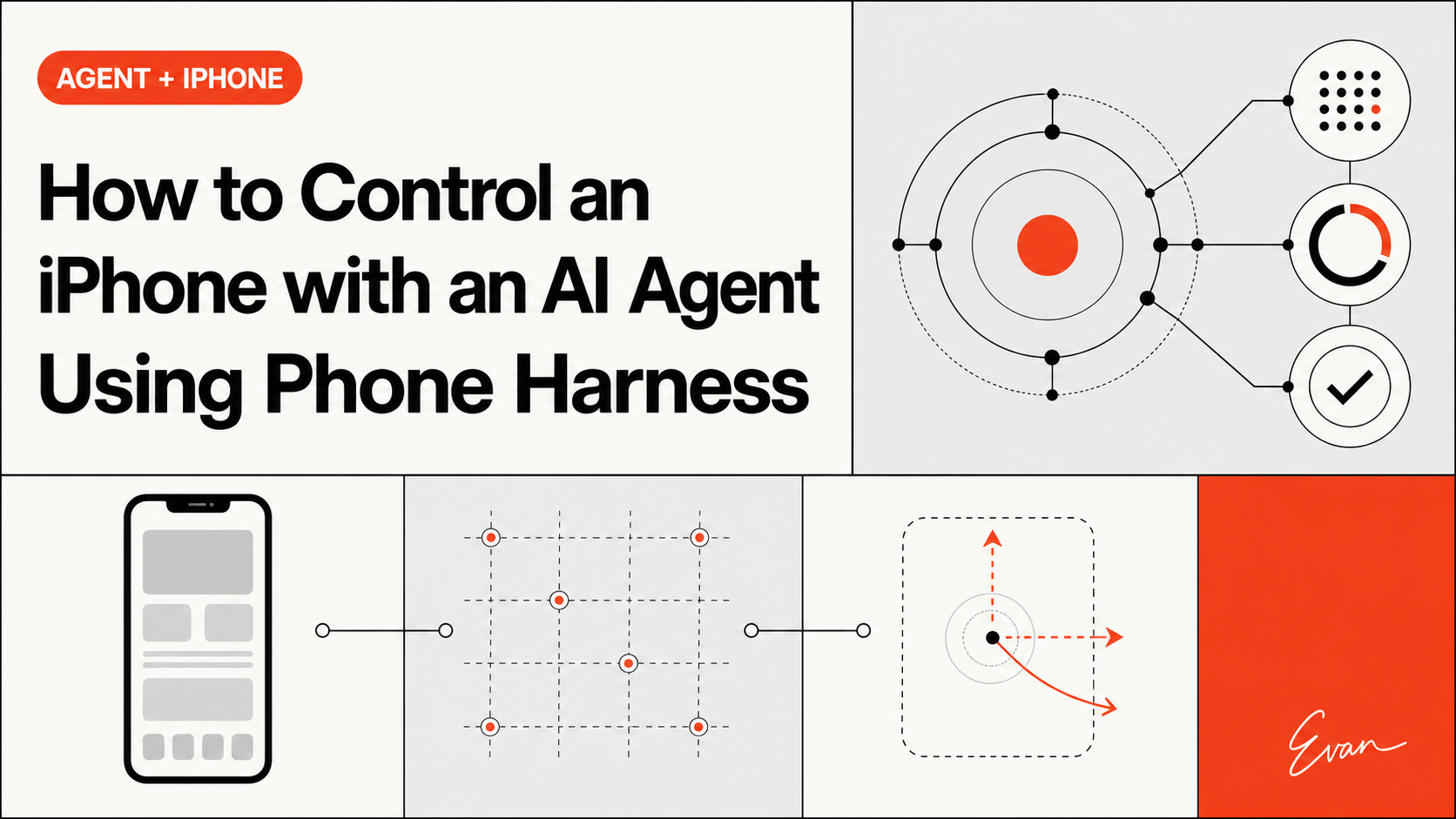
How to Control an iPhone with an AI Agent Using Phone Harness
See how Phone Harness connects an AI agent to a real iPhone through macOS iPhone Mirroring, including setup, OCR, HID input, permissions, and limits.

Symphony Knowledge Graph for Agent Memory
Symphony knowledge graph workflows can give long-running coding agents durable repository memory and system context.
What Is Cowart? A Codex Plugin for Image Editing
Cowart is a third-party Codex plugin that uses a local infinite canvas for visual annotation and image-editing workflows.
Trae Context Engineering for Agents
Trae context engineering gives AI coding agents project rules, architecture context, and repository evidence before complex edits.

Trae Knowledge Graph for Developers
Trae knowledge-graph workflows add repository intelligence beyond IDE chat context and code indexing.